Build and test
Use CMake 3.15 or newer and a C++20 compiler for native builds. Use Emscripten for the browser application.
Native build
Build the CLI and run the tests from the repository root:
git submodule update --init --recursive
cmake -S . -B build/debug -DCMAKE_BUILD_TYPE=Debug -DBUILD_TESTING=ON
cmake --build build/debug -j
ctest --test-dir build/debug --output-on-failure
The executable is build/debug/facs. CMake enables FACS_BUILD_CLI for native
builds and FACS_BUILD_WEB for Emscripten builds. To build only the library:
cmake -S . -B build/lib -DFACS_BUILD_CLI=OFF -DFACS_BUILD_WEB=OFF \
    -DBUILD_TESTING=OFF
cmake --build build/lib
Debug and RelWithDebInfo builds enable AddressSanitizer when supported. Unoptimized Debug integration has extra cost from instrumented stage copies. The Debug parallel regression has a six-minute timeout with AddressSanitizer; other configurations use two minutes.
Native binary output requires the NetCDF C library with NetCDF-4 support. See output formats for detection and options, and the library guide for CMake consumers.
Browser build
Activate Emscripten 5.0.7 or newer, then run ./build_web.sh. The browser
target uses -pthread for the shared C++ radial scheduler. See Emscripten's
pthreads documentation.
Serve the files in build/pages/ with COOP and COEP headers to
enable shared memory. The page preloads a bounded pthread pool and reuses it
across calculations.
The first web build downloads pinned zlib 1.3.1, HDF5 1.14.6, and NetCDF-C
4.9.3 sources and compiles a separate serial file exporter. Later builds reuse
them. The page loads that exporter in a worker only when a NetCDF or HDF5
download is requested. The calculation runtime does not link those libraries.
For an existing serial Emscripten build, FACS_WASM_IO_ROOT can point to a
prefix containing include/, lib/, and licenses/. The last directory must
contain the five notices listed in web/cmake/scientific_io.cmake.
The webui/ submodule supplies controls, fonts, styles, and theme handling.
Initialize it with git submodule update --init --recursive. Both web build
directories include its src/ and styles/ trees; no JavaScript package
manager is needed.
The HTML template loads FACS's theme.js and webui's theme_boot.js before
the styles to restore the saved palette and mode. appearance.js binds the
shared theme controls and saves palette choices. ui.js imports the shared
APIs, then loads classic app.js
and the generated solver script in order. FACS keeps the solver, canvases,
workspace layout, and scientific plot rules. Shared controls and page styles
come from webui. The figures window borrows the same DOM nodes and loads the
same styles, including relative imports, before drawing.
After configuration, cmake --build build/web builds the browser target and,
when BUILD_TESTING=ON, the tests. Run the tests with
ctest --test-dir build/web --output-on-failure; Emscripten runs them in Node.js.
Web main and pthread stacks use 1 MiB for coupled root searches.
Worker pool
The browser uses the radial scheduler through
Emscripten pthreads. Its default
pool has at most eight threads, limited by the browser's reported hardware
concurrency. --threads cannot exceed that pool; change the build limit with
-DFACS_WASM_MAX_THREADS=N. The pool includes the coordinator, which also
calculates surfaces. Each thread has a 1 MiB stack. The UI polls progress and
completion without waiting for a worker. Hosting still requires COOP and COEP
headers for shared Wasm memory.
Bundled equilibria
For local builds, place the g-files in web/equilibria/ and edit
web/equilibria/index.json:
[
  {"name": "My display name", "file": "actual-filename.g"}
]
name sets the label on the page; file is the actual filename in that
directory, without a path. Each file loads when selected. Uploads remain
available, and exports record the actual filename. Rebuild with
./build_web.sh to include catalog changes and added or removed files.
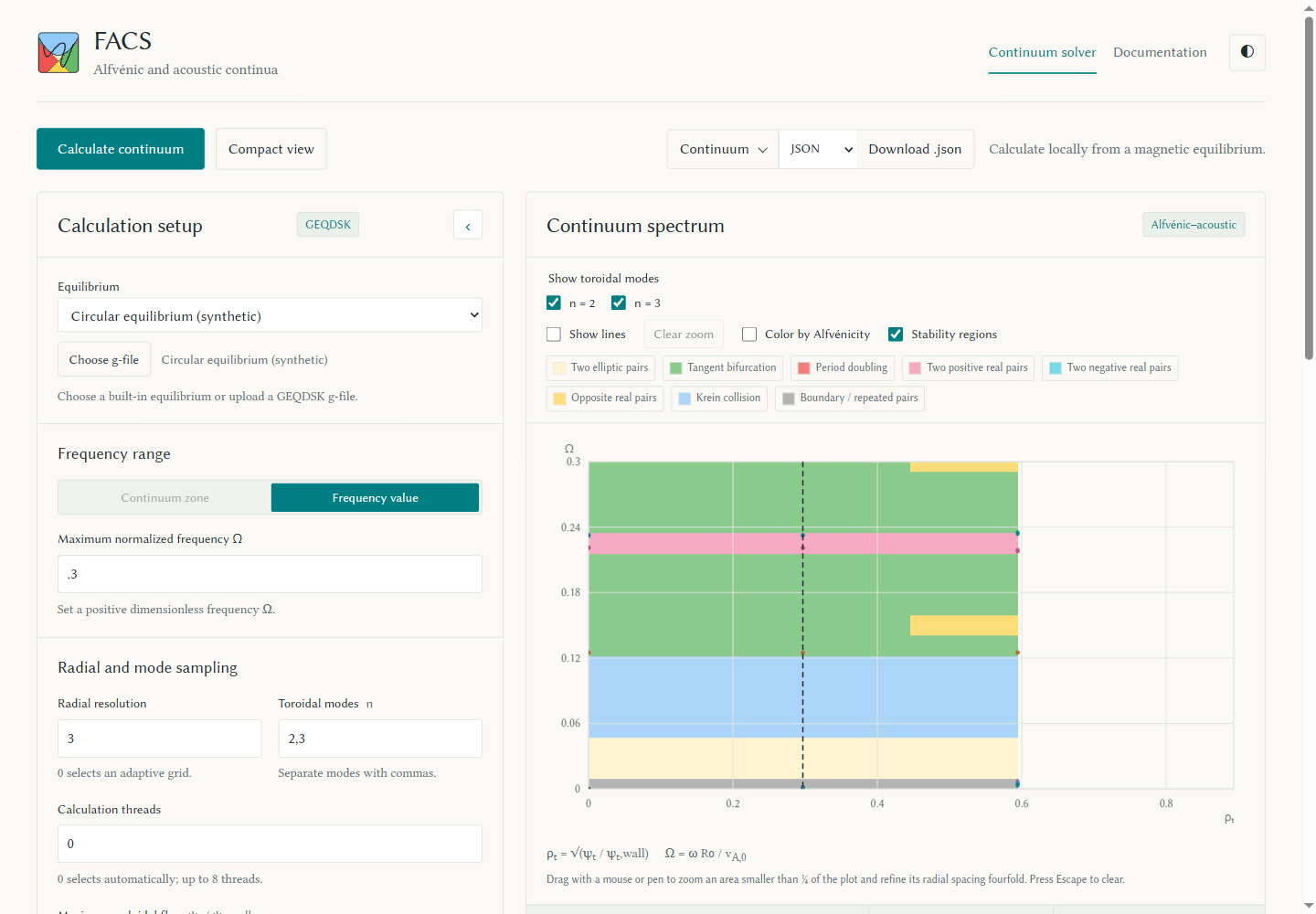
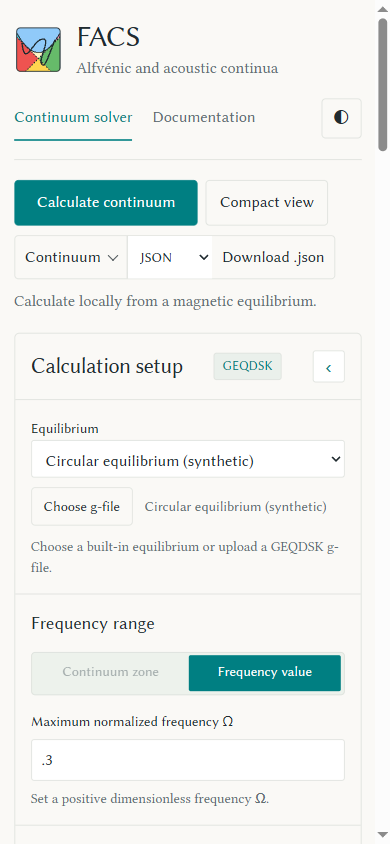
The supplied circular equilibrium is synthetic, generated from the analytic
fixture in test/gfile-fixture.mjs. See the
equilibrium picker and its
mobile view.
Documentation build
Install the pinned tools and build the public documentation:
python3 -m pip install -r requirements-docs.txt
python3 script/build_docs.py
The builder stages the Markdown sources in build/docs-src/ and writes
the site to build/pages/docs/. It checks the site with MkDocs strict
mode and removes links to private source files from the public pages.
See deployment to publish the app with its documentation.
Browser validation
The numerical guide lists native
regressions. The WebGPU guide lists shader,
worker, and rendering checks. Browser smoke checks use the forwarded
Chrome DevTools endpoint at http://localhost:9333.
The visual integration check covers desktop and mobile controls, five color palettes, light and dark modes, saved preferences, denied storage, failed startup dependencies, licenses, and documentation search. Build the app and docs first, then run:
node test/web-ui-smoke.mjs APP_URL APP_DIR OUTPUT_DIR [CHROME_URL]Use the explicit index.html URL for APP_URL. The shared library also has
Node and browser suites; see webui's guide.
The foldable layout check covers continuous screen widths, both hinge orientations, touch scrolling, focus, compact view, and retained GPU results. Run it against the staged app:
node test/web-fold-layout-smoke.mjs APP_URL APP_DIR OUTPUT_DIR [CHROME_URL]The multiple-window check runs a WebGPU calculation in a separate figures window. It checks mixed display scaling, keyboard controls, zoom, Floquet completion with the solver window minimized, compact and fold scroll restoration, and window closure and reload. It tests the permission explanation, retry and dismissal, and negative monitor coordinates. It uses real monitor placement when the connected browser reports multiple screens. It restores the test origin's screen permission after that check. Display scaling uses Chrome emulation; the same-size density check dispatches a resolution change event because DevTools may change the density without sending that event.
node test/web-window-layout-smoke.mjs APP_URL APP_DIR OUTPUT_DIR [CHROME_URL]